Clipshot
P2P clipboard sync across all your devices. Copy on one — paste on another. Encrypted, no cloud, no accounts.
Download Installation User Guide
Install
# With account:
curl -fsSL https://clipshot.cc/install.sh | bash -s -- --code=482917

# Or pair after install:
clipshot pair               # generate a code on this device
Or open the GUI → Pair device → Enter code.
Features
- Instant sync — text, images, files between your devices
- P2P encrypted — data goes directly between devices (QUIC/TLS), never through a server
- No account needed — works on local network with 6-digit pair codes via mDNS
- Mesh forwarding — data reaches all devices through connected peers, even across network boundaries
- Cross-platform — macOS, Linux, Windows, iPhone, iPad, Android, headless servers, WSL
- Pair codes — 6-digit numeric codes (e.g.
482917), work via Portal or mDNS - Catch-up — missed syncs delivered on reconnect via outbox
- GUI + CLI — desktop app with tray icon, or headless daemon
Pages
| Installation | Install, pair, first launch |
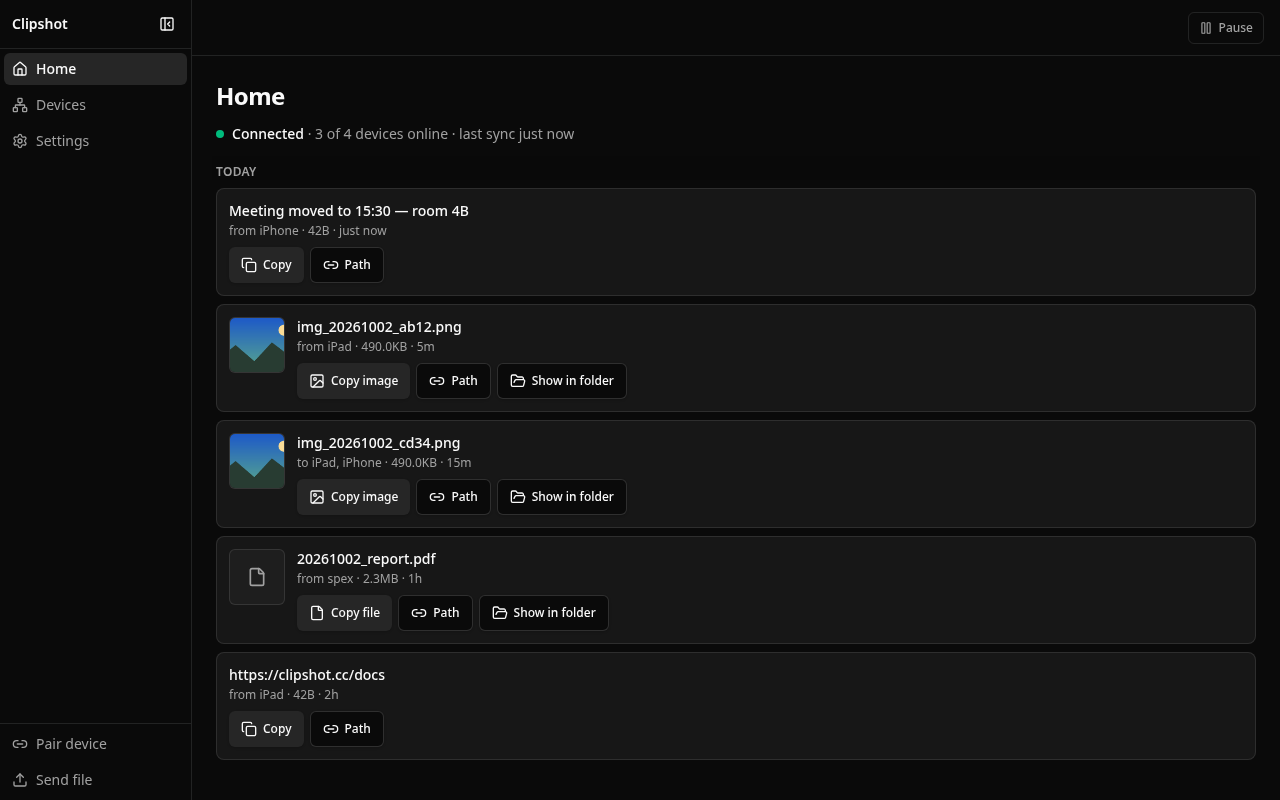
| Home | Connection status, everything synced, newest first |
| Devices | Add, remove, manage devices; send a file |
| Settings | Configuration options |
| Phones and tablets | Share → Clipshot, arrival offers, iOS notices |
| How sync works | Clipboard → peers → file |
| Discovery | How devices find each other |
| Hotkeys | Keyboard shortcuts, tray menu |
| CLI | Headless daemon, commands |
| Pricing | Lite vs Pro |
| API | HTTP API reference |
| FAQ | Common questions |
| Troubleshooting | Fix common issues |