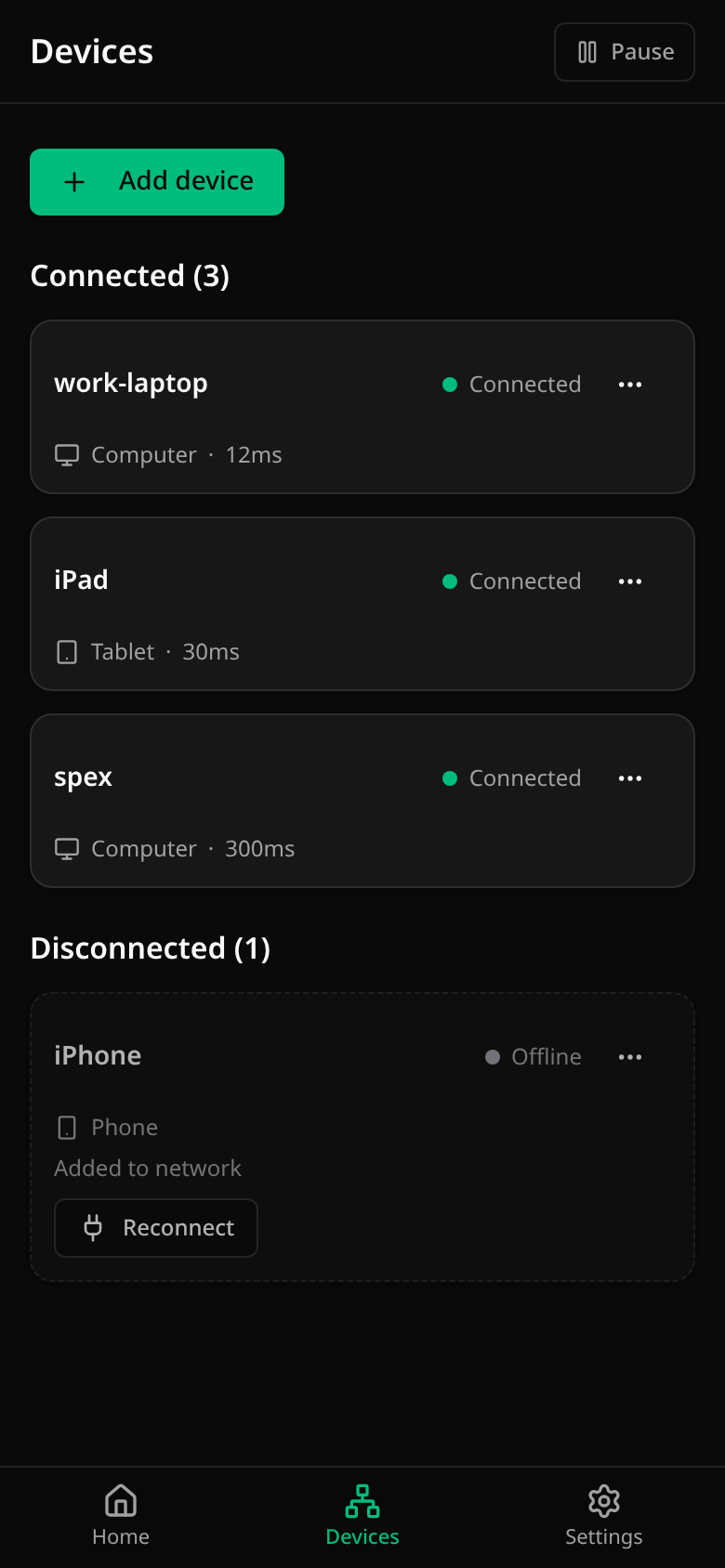
Devices
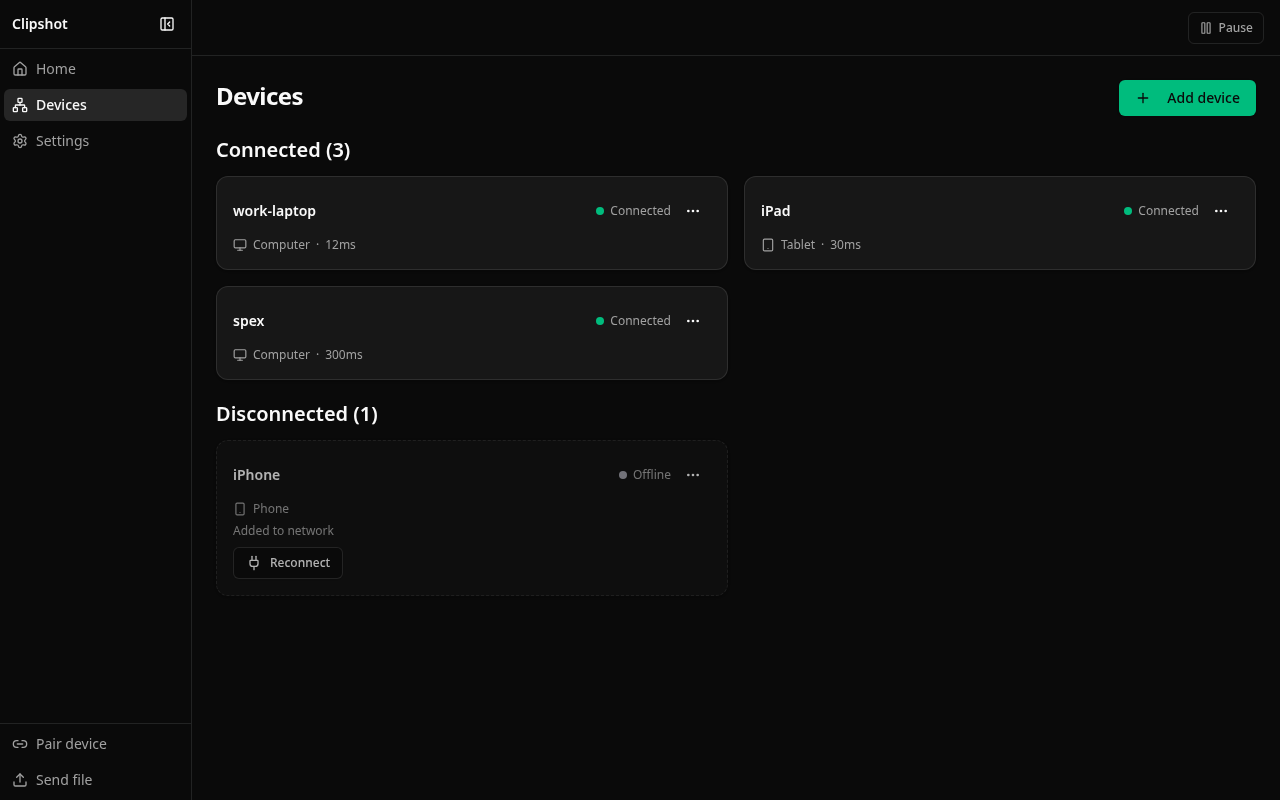
Connected devices first, then the rest. Each card:
- the device’s name;
- its state — a dot and a word: Connected, Offline, Asleep (a phone that sleeps), …;
- Phone, Tablet or Computer — a server is a computer — and the round-trip time (
Computer · 12ms); Relay when the connection goes through a relay instead of directly; - a last line about activity, when there is something to say. A connected device shows
Last sync: <when>only once it has actually synced — a device that has not yet synced says nothing rather than “no sync yet”. A device that is offline showsLast seen <when>, or Added to network when it has never been seen — which is what the offline iPhone in the screenshot above shows.
Tap a card for its details. The … menu has Details, Send file, Pin, Disconnect and Remove. A device that is offline has Reconnect.
Search appears when you have many devices.
Adding a device
Add device (or Pair device in the side rail) opens pairing:
- Generate code on one device — a 6-digit code;
- Enter code on the other;
- both show the same 4 digits — compare them and confirm.
The two devices add each other. If one of them is new and the other already belongs to a group, the new one joins that group.
Sending a file (Pro)
Send file — in a card’s … menu or in the side rail — sends any file to the devices you pick. Big files are sent in pieces and continue where they stopped if the connection drops.